


AI Sketch to Fashion Design Generator
How To Create: Step-By-Step Guide
Upload a fashion sketch or import your Procreate drawing to generate polished AI clothing design visuals from sketches, line drawings, and garment concepts.
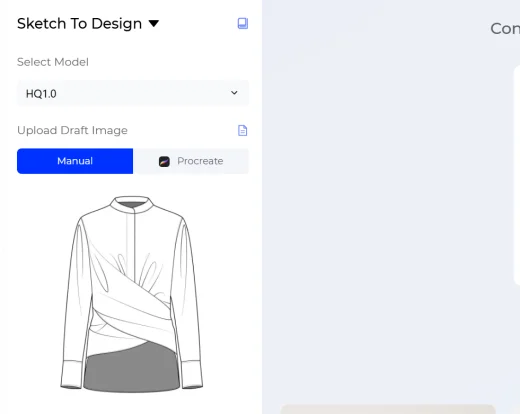
Upload Your Sketch
Upload a fashion sketch, line drawing, garment draft, or hand-drawn design image. You can upload manually, or use the Procreate import workflow to bring your iPad sketch into Style3D AI.
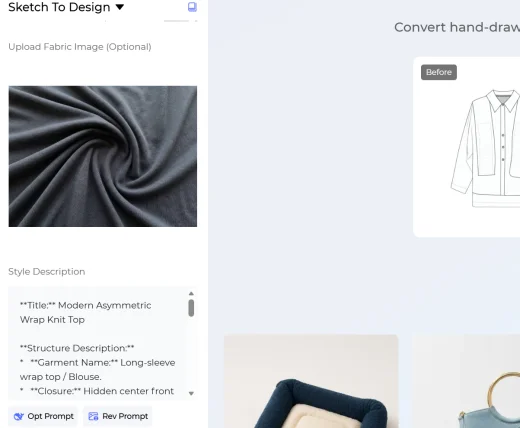
Choose Your Generation Settings
Add extra information to guide the AI result. You can upload a fabric reference image to show the material, texture, print, or surface direction you want. You can also write a style description to explain the design mood, garment details, season, color direction, silhouette, or target customer.
These inputs are optional, but they help Style3D AI generate fashion design images that match your original concept more closely.
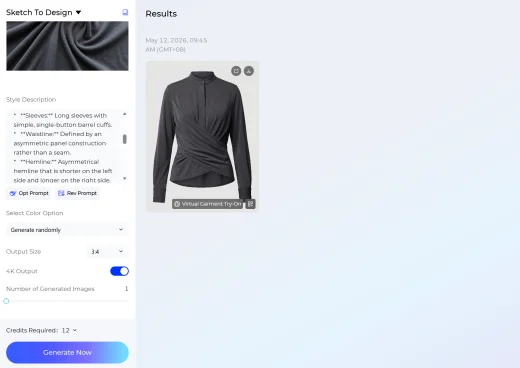
Generate Your Fashion Image
Select the output size based on your design board, presentation, ecommerce preview, or social content needs. Then choose how many results to generate. You can create up to four AI fashion design images at once.
Click Generate Now and Style3D AI will transform your sketch, fabric reference, and style description into polished clothing design visuals.
Use Cases: Who It's For
Sketch to Design helps designers, students, apparel teams, and creators turn fashion sketches into realistic AI design images for faster concept development.
For Fashion Designers
Turn early sketches and line drawings into polished garment visuals before moving into detailed design development. Designers can test silhouettes, fabric directions, colors, and styling ideas while keeping the original sketch as the creative foundation.
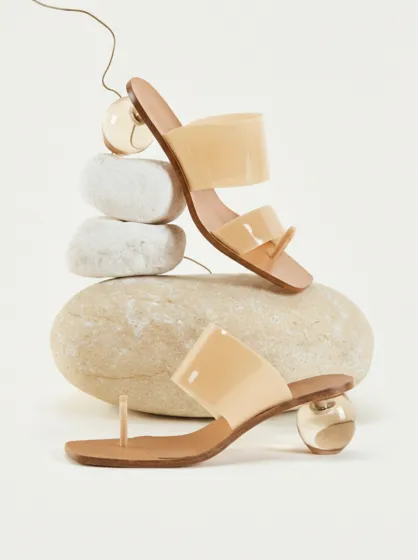
For Apparel Brands and Product Teams
Convert rough sketches into visual references for design reviews, product planning, supplier communication, and collection development. Teams can add fabric images and style descriptions to align the generated design with brand direction.
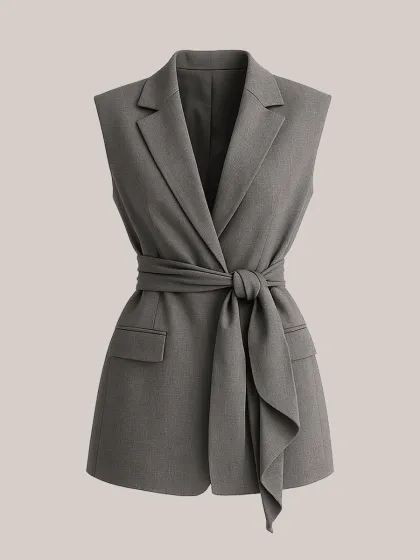
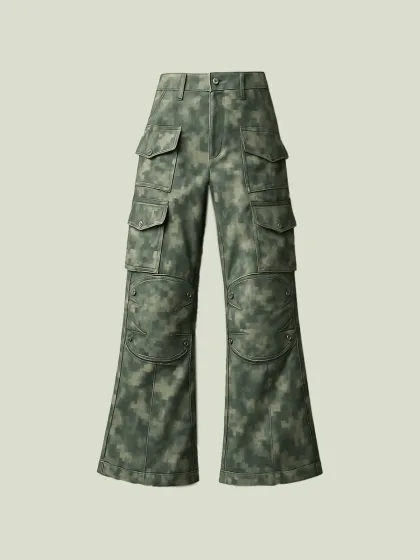
For Digital Creators and Independent Labels
Bring fashion ideas to life from simple drawings, Procreate sketches, or concept drafts. Sketch to Design makes it easier to create visual content for lookbooks, social posts, pitch decks, and early product storytelling.
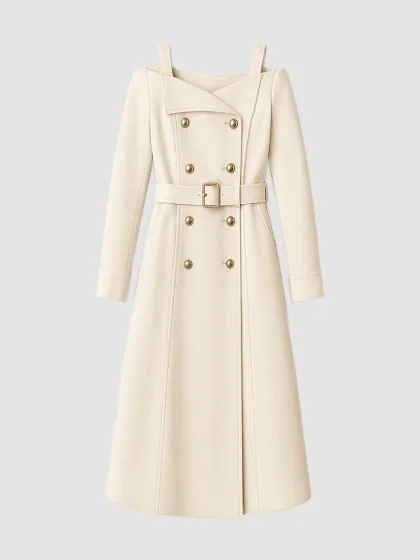
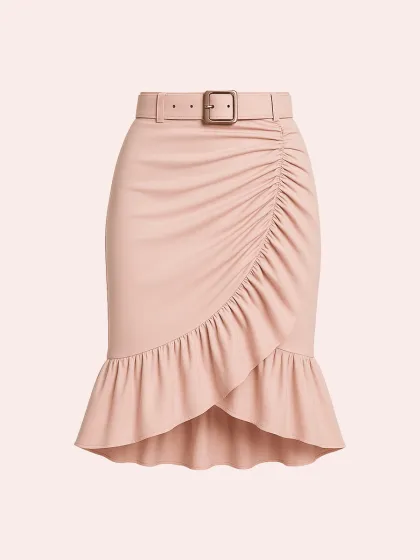
For Fashion Students and Educators
Use AI sketch to design workflows to visualize coursework, portfolio concepts, and garment ideas more clearly. Students can move from hand-drawn concepts to presentation-ready fashion images without needing advanced rendering skills.
Social Proof & Reviews
Trusted by Global Fashion Designers and Brands
Share Your Feedback


i sketched out a loose silhouette idea on my ipad and the AI turned it into something that actually looked production-ready. kinda wild honestly.
The sketch-to-design feature feels super intuitive. even messy linework still gives surprisingly usable outputs which is kinda insane.
Most AI tools completely butcher proportions when you upload sketches but this one somehow understood exactly what i was going for!
Frequently Asked Questions
Explore More Tools
More AI-Powered Tools for Your Fashion Workflow
Text To Design
Turn a written idea into quick apparel concept images.
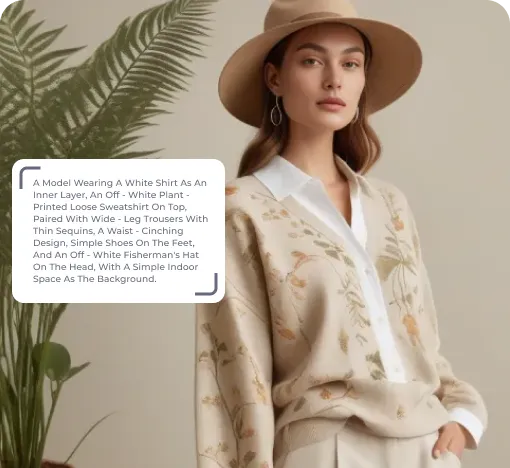
Image To Design
Create new style options from an existing garment image.
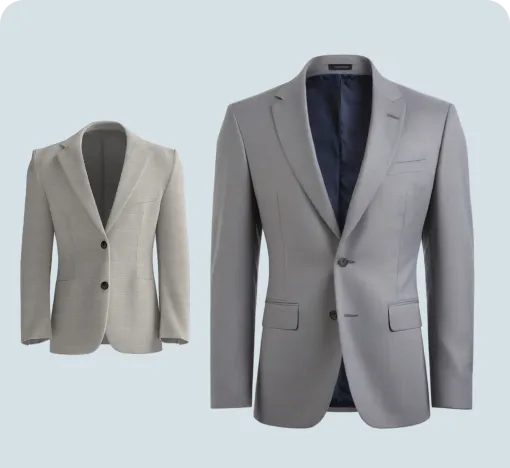
Extract Technical Drawing
Turn garment images into clean line art and editable vector drawings.
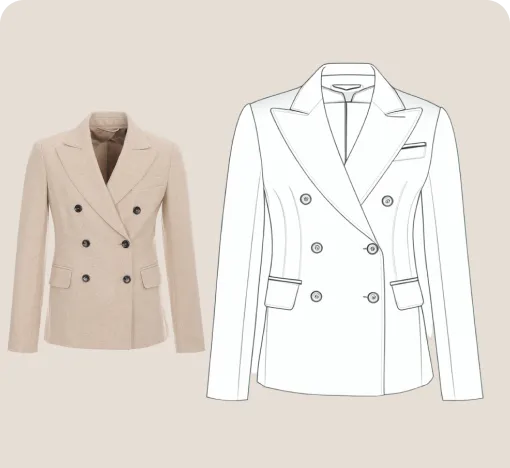
Design Variations
Blend design elements from references to create fresh garment options.
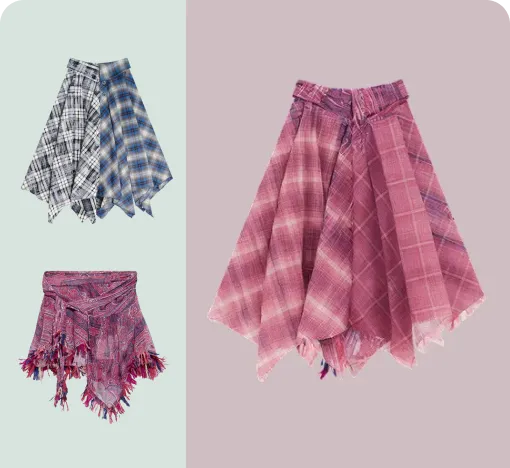
Garment Refine
Edit specific garment areas, structures, and details without starting over.
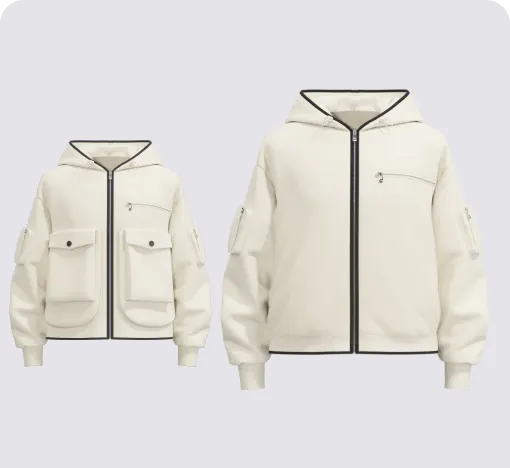
Change Colors
Swap fabric colors and preview multiple colorways on the garment.
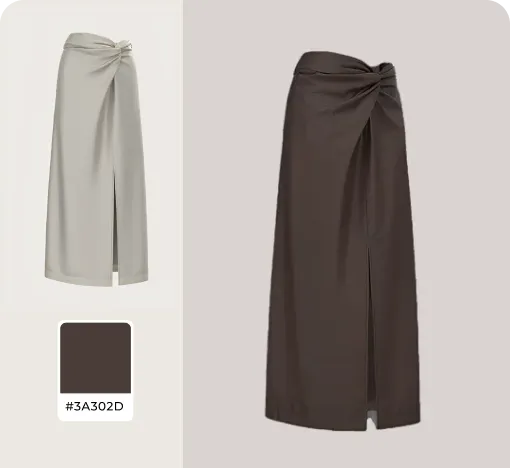
AI Print Generator
Generate print patterns in a similar style from a reference image.
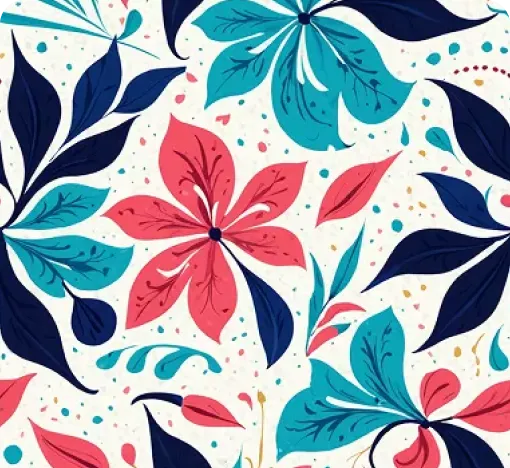
Graphic Colorways
Create dedicated colorway options for any print or graphic.
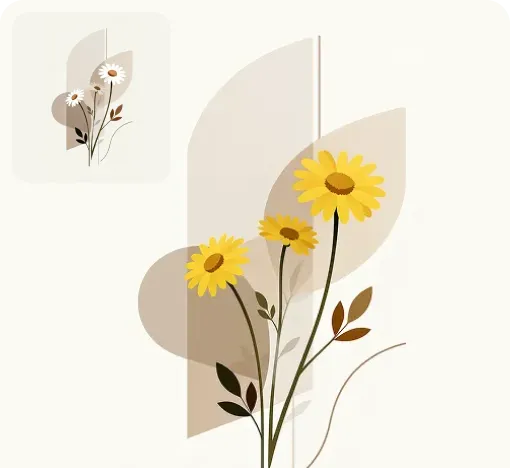
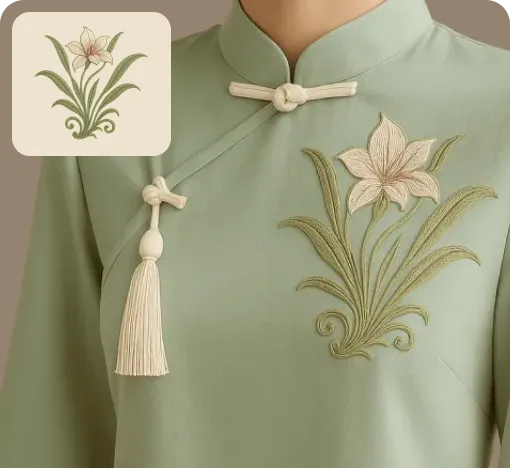
Apply Print To Garment
Place prints on garments and preview realistic worn results.
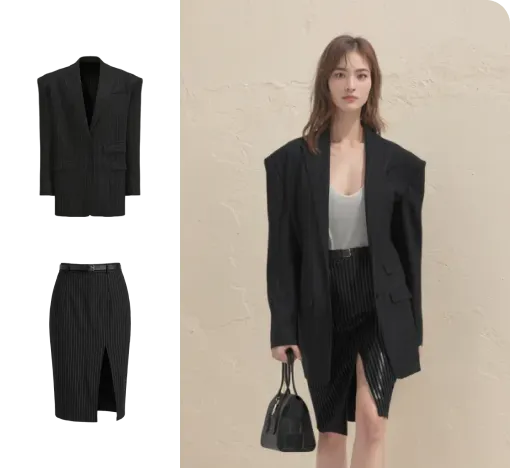
Virtual Garment Try-On
Put garments on models to create realistic try-on images.
Change Model & BG
Change the model and scene to create varied campaign images.
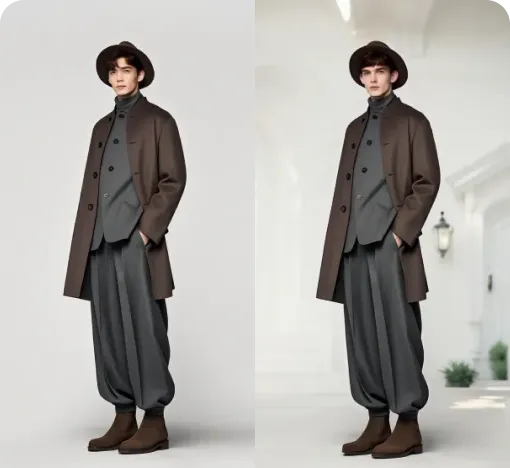
Image To Video
Turn static fashion images into short product display videos.