


AI Print Generator for Fashion
How To Create: Step-By-Step Guide
Use Style3D AI print generator to create textile patterns, apparel graphics, and fashion print designs from text prompts or reference images.
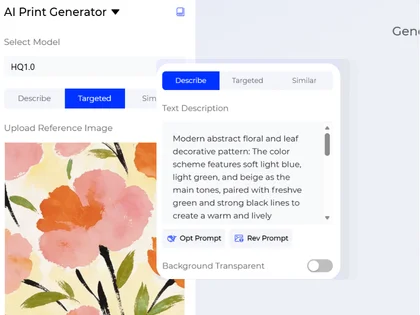
Choose a Print Creation Mode
Start by choosing how you want to create your pattern.
- Describe lets you write a text prompt to generate a new fashion print, textile pattern, or graphic design from scratch.
- Similar lets you upload a reference image and generate a similar print or pattern style.
- Targeted lets you upload a pattern image and modify specific local print details while keeping the overall design direction.
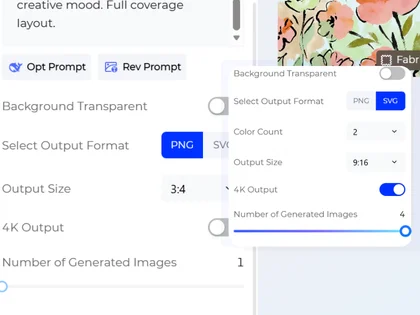
Choose Your Generation Settings
Turn on Background Transparent if you need a print with a transparent background for easier placement on garments. Choose your preferred output format with Select Output Format, including PNG or SVG. Then select the output size and choose how many images to generate. You can create up to four AI print designs at once.
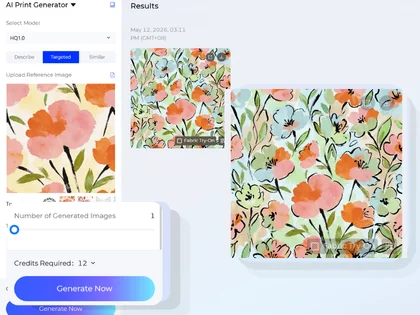
Generate Your Fashion Image
Generate and export your AI fashion print design for apparel graphics, textile development, garment mockups, collection planning, or creative review.
Use Cases: Who It's For
Style3D AI print generator helps designers, apparel brands, and ecommerce teams create fashion prints, textile patterns, and garment graphics faster.
For Fashion and Textile Designers
Create original prints, repeatable pattern ideas, placement graphics, and textile design directions from prompts or reference images. Designers can explore florals, abstract patterns, geometric prints, lettering graphics, and seasonal motifs without starting from a blank canvas.


For Print-on-Demand and Ecommerce Sellers
Create apparel graphics and textile patterns for online products, marketplace listings, campaign visuals, and product testing. Transparent background and PNG/SVG export options make the generated artwork easier to use across digital workflows.


For Apparel Brands and Product Teams
Generate print concepts for T-shirts, dresses, activewear, swimwear, streetwear, accessories, and seasonal collections. Teams can use AI-generated prints for early design reviews, merchandising discussions, and product development planning.


For Creators and Marketing Teams
Generate visual ideas for social content, capsule collection concepts, branded merchandise, and campaign graphics. Similar and Targeted modes help teams expand an existing visual direction or refine a specific pattern detail.


Social Proof & Reviews
Trusted by Global Fashion Designers and Brands
Share Your Feedback

OK this pattern tool is actually kinda wild?? i threw in a messy hoodie reference and it just turned into clean seamless prints instantly. no edge fixing, no fuss, just… done. transparent export is stupidly clean btw. feels too easy lol.

We've been using this for quick print ideation and it's lowkey a game changer. just describe a vibe and it gives you actual usable repeating patterns in seconds. honestly feels less like a tool and more like… a design partner?
We tested this in early-stage print development workflows. it performs well in translating abstract direction into structured repeat patterns without heavy manual correction. for studio use, the real value is reduced iteration time rather than novelty.
Frequently Asked Questions
Explore More Tools
More AI-Powered Tools for Your Fashion Workflow
Text To Design
Turn a written idea into quick apparel concept images.
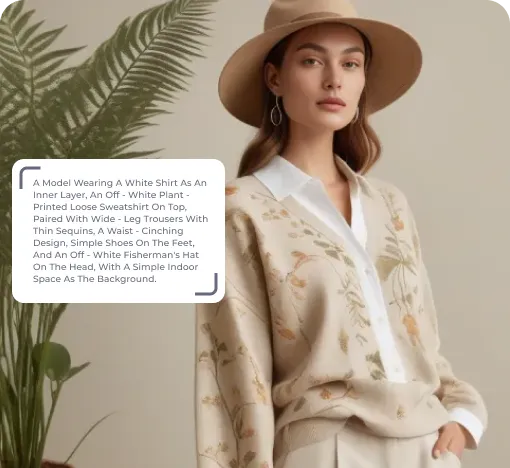
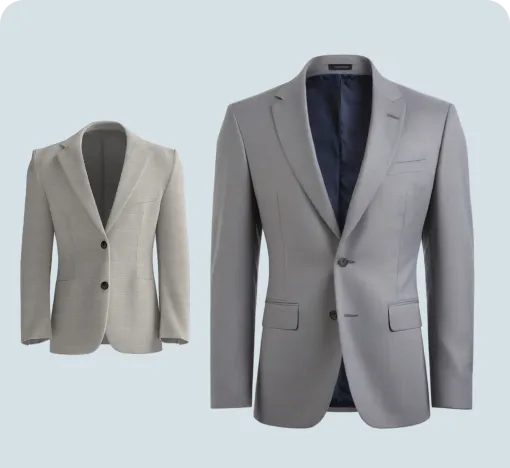
Image To Design
Create new style options from an existing garment image.
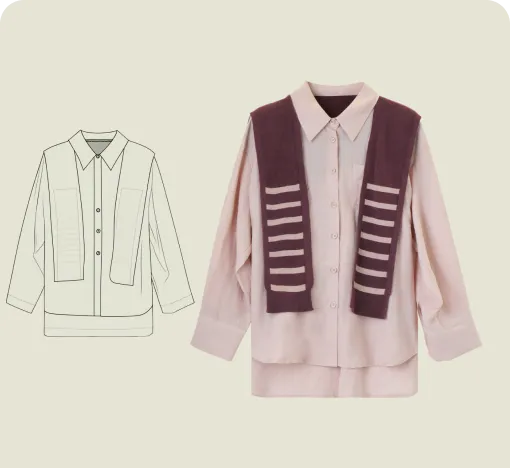
Sketch To Design
Convert hand-drawn sketches into realistic garment images.
Graphic Colorways
Create dedicated colorway options for any print or graphic.
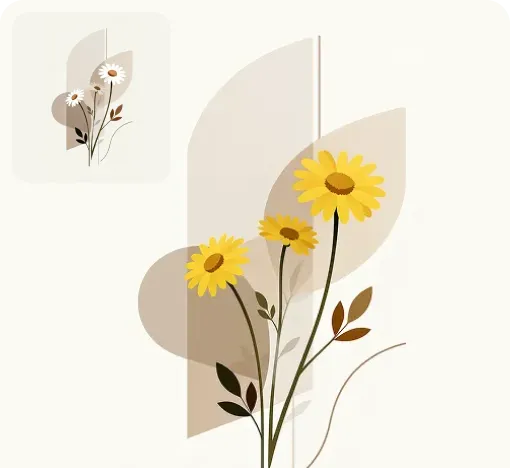
Embroidery Techniques
Apply embroidery and craft effects to print patterns quickly.
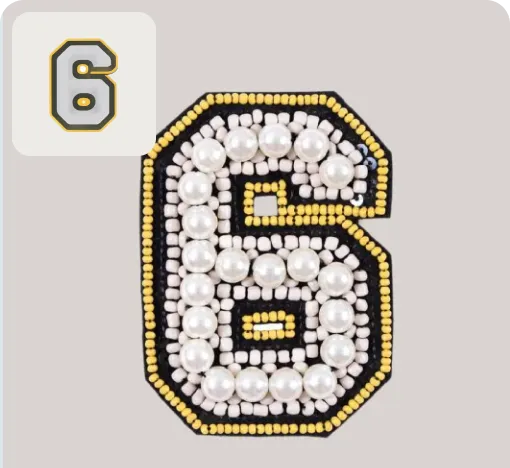
Graphic Mixer
Combine elements from multiple patterns into one natural, unified print.
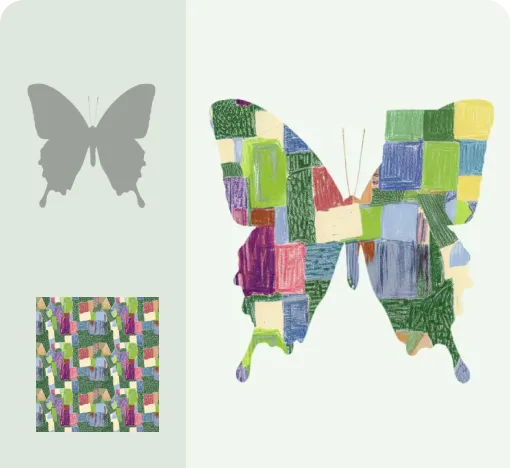
Apply Print To Garment
Place prints on garments and preview realistic worn results.
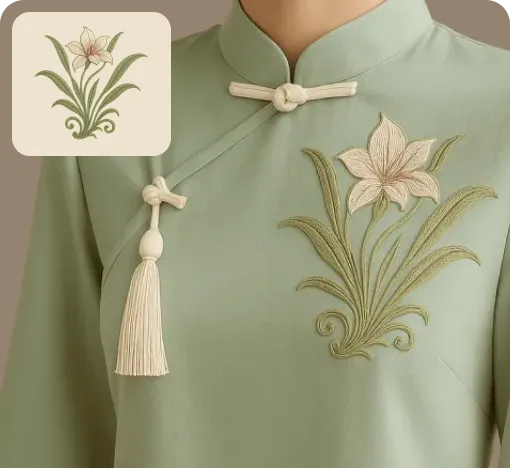
Graphic Extractor
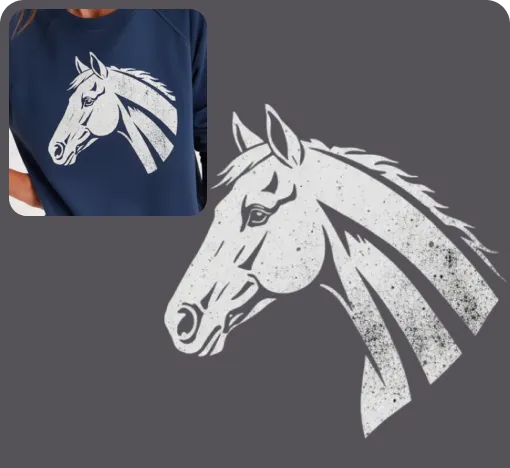
Detect and extract complete patterns from product or reference images.
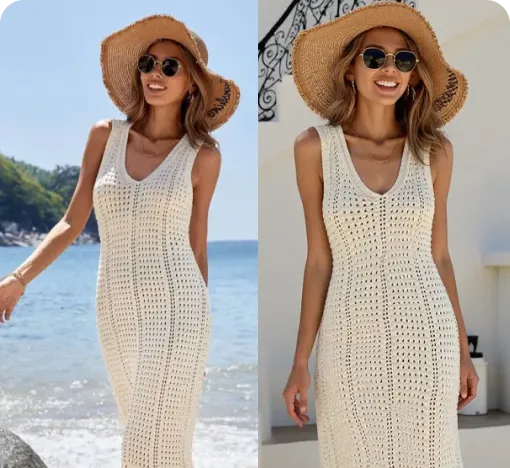
Change Pose
Adjust model poses to create new looks from the same outfit.
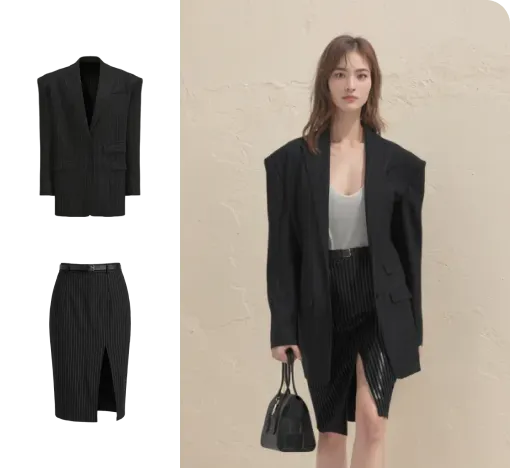
Virtual Garment Try-On
Put garments on models to create realistic try-on images.
Change Model & BG
Change the model and scene to create varied campaign images.
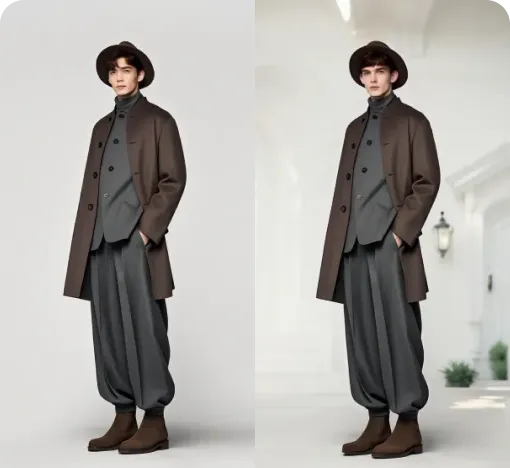
Image To Video
Turn static fashion images into short product display videos.