


AI Model and Background Changer
How To Create: Step-By-Step Guide
Use Style3D AI model and background changer to replace models, change fashion photo backgrounds, or update both model and scene for ecommerce visuals.
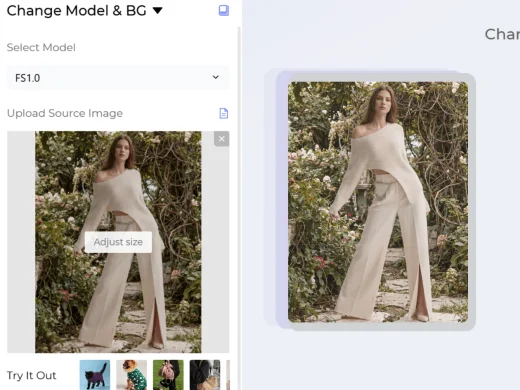
Upload Original Model Image
Upload the fashion photo you want to edit. You can start with a model image, product-on-model photo, campaign visual, or ecommerce product image where you want to change the model, background, or both.
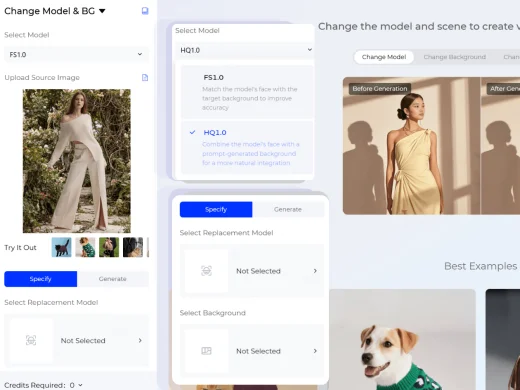
Choose Your Generation Settings
Select the AI generation model that fits your goal. FS1.0 matches the model face with the target background for more accurate replacement. You can choose a replacement model and scene from the Style3D AI model library and scene library, or upload your own model and background.
HQ1.0 uses model face and text prompts to create more natural and creative fashion visuals. With HQ1.0, describe the model features and background details you want to generate.
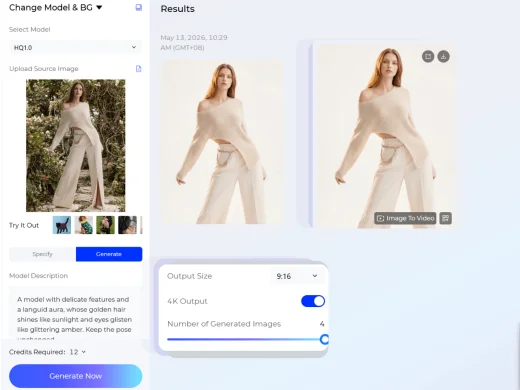
Export Your New Fashion Photo
Choose the output ratio and number of results. You can generate up to four AI fashion images at once, then export the version that best fits your ecommerce listing, campaign, lookbook, or social content.
Use Cases: Who It's For
Style3D AI helps ecommerce sellers, fashion brands, and creative teams create new model and background variations without reshooting fashion photos.
For Ecommerce Sellers and Marketplace Teams
Replace models or backgrounds to create product visuals for Amazon, Shopify, Lazada, TikTok Shop, and independent stores. Sellers can quickly create localized, seasonal, or platform-ready images without arranging a new shoot.
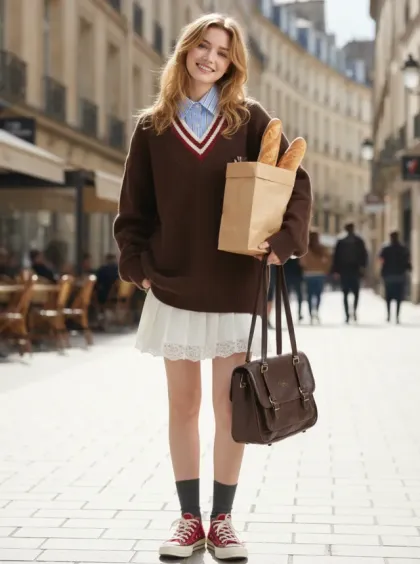
For Fashion Brands and Product Teams
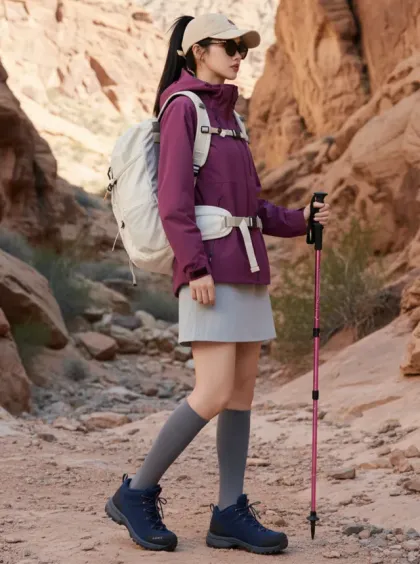
Generate model and scene variations for product launches, campaign planning, line reviews, and merchandising decisions. Brands can test different model looks, backgrounds, and creative directions while keeping the garment as the focus.
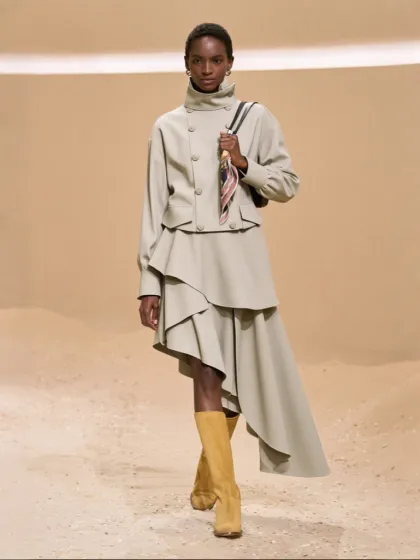
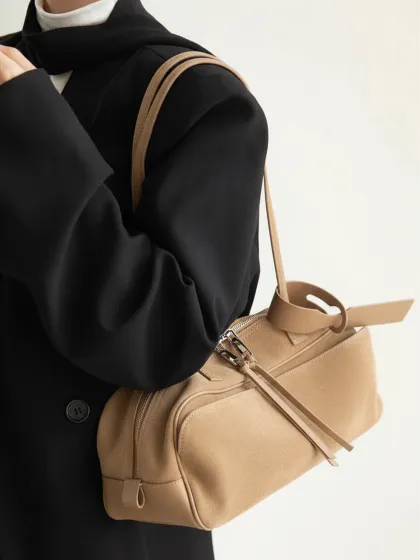
For Marketing Teams and Fashion Creators
Create fresh campaign visuals, social media content, lookbook images, and ad creatives from existing model photos. Teams can use AI model and background changes to adapt one asset into multiple audience- or channel-specific versions.
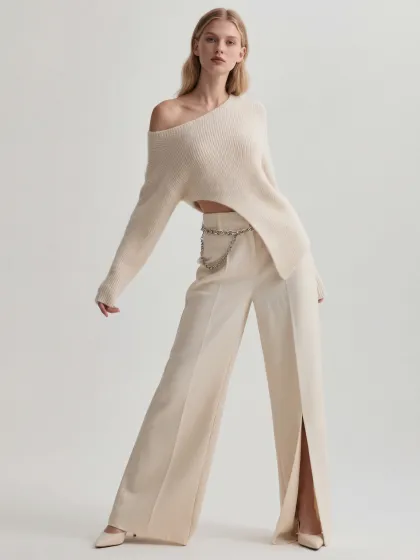
Social Proof & Reviews
Trusted by Global Fashion Designers and Brands
Share Your Feedback


no more renting studios just to "try a vibe"… kinda wild. honestly, it replacing like 70% of my shoot planning. i can just drop a flat product and instantly test it on different models and backgrounds

We use this constantly for campaign drafts. being able to swap models + environments in seconds makes it so much easier to pitch ideas to clients. Way less back-and-forth, way faster approvals.
Not gonna lie this changed how we plan drops. we don't need full photoshoots just to test storytelling anymore — we can visualize everything first. it's not perfect every time, but for early visuals it's more than enough.
Frequently Asked Questions
Explore More Tools
More AI-Powered Tools for Your Fashion Workflow
Virtual Garment Try-On
Put garments on models to create realistic try-on images.
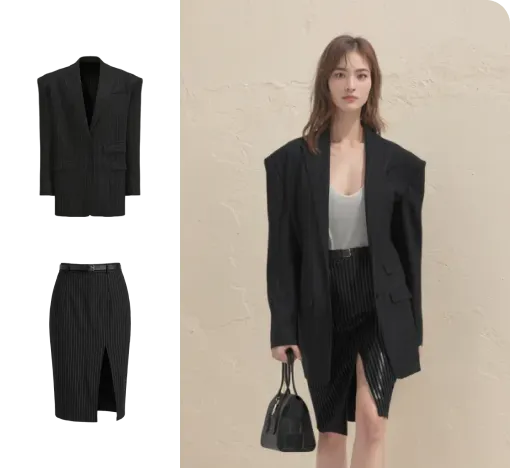
Outfit Try-On
Combine garments and accessories into a complete styled outfit image.
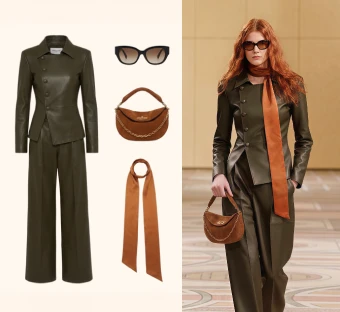
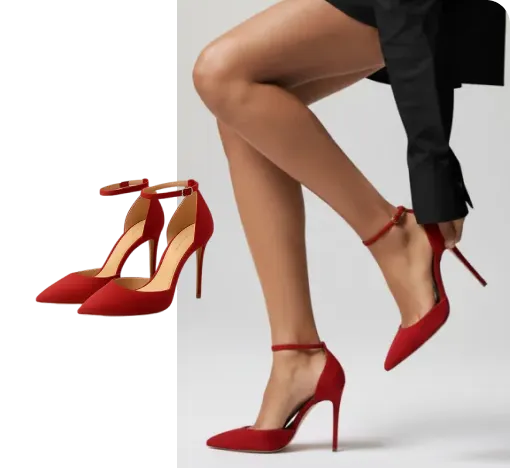
Virtual Shoe Try-On
Place shoes on a model's feet for realistic try-on images.
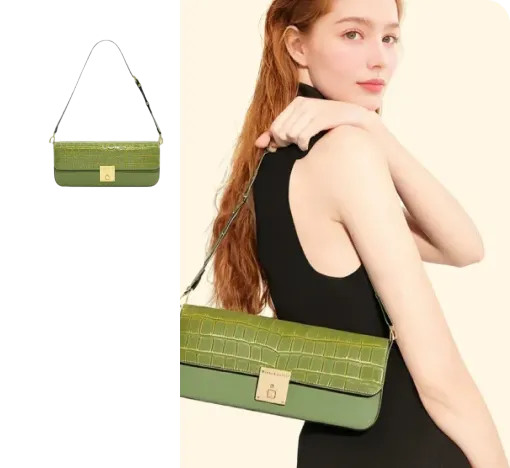
Virtual Bag Try-On
Style bags on models to create product-ready outfit images.
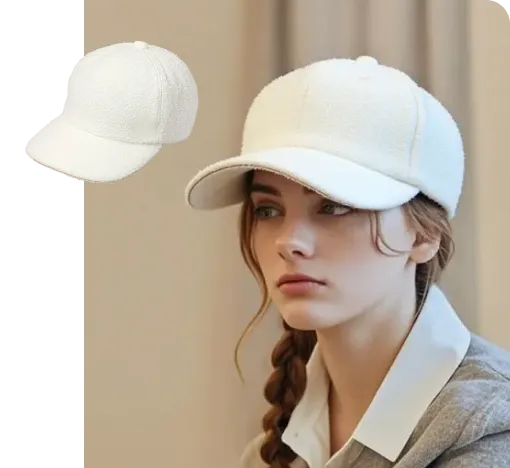
Virtual Hat Try-On
Place hats on models and preview realistic wearing effects.
Text To Design
Turn a written idea into quick apparel concept images.
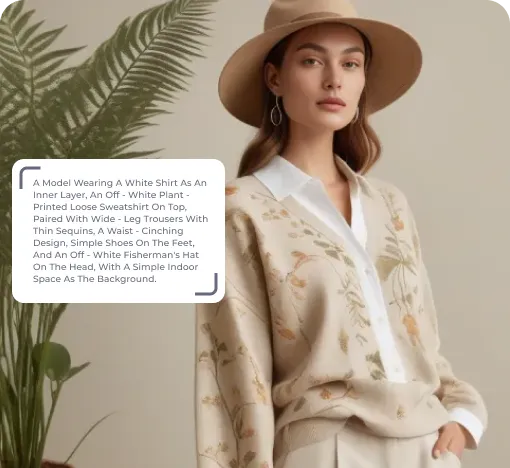
Image To Design
Create new style options from an existing garment image.
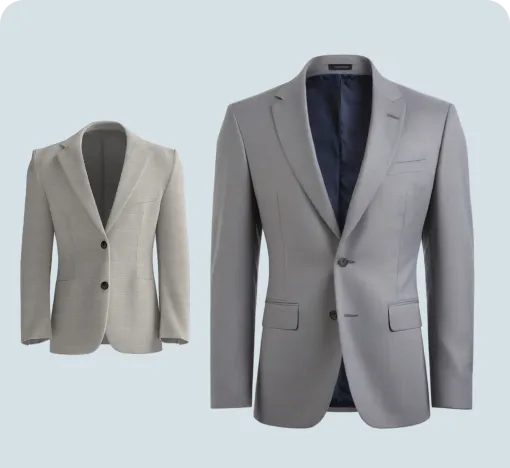
Fabric Try-On
Apply fabric swatches to garments and preview the wearing effect.
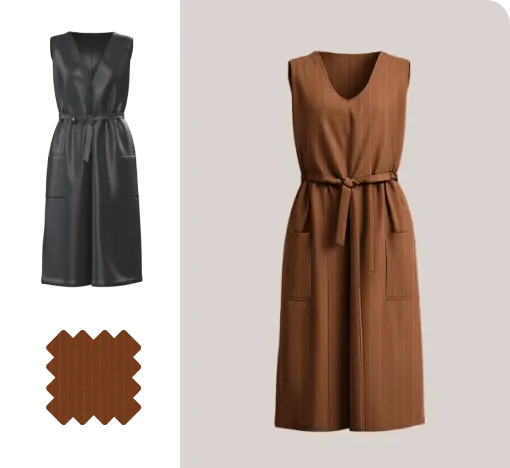
Apply Print To Garment
Place prints on garments and preview realistic worn results.
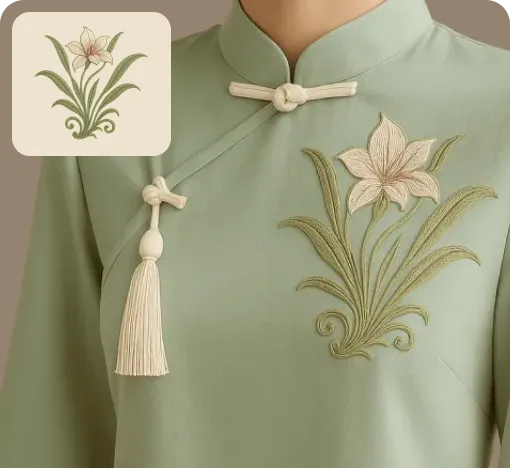
Graphic Extractor
Detect and extract complete patterns from product or reference images.
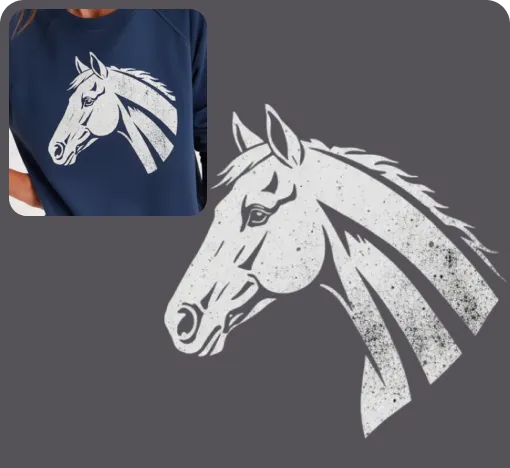
Image To Video
Turn static fashion images into short product display videos.
Reference To Video
Create smoother model videos with more stable motion and stronger details.