


AI Clothing Colorways Generator
How To Create: Step-By-Step Guide
Upload a garment reference image and use Style3D AI clothing colorway generator to create new garment color variations for fashion design and product development.
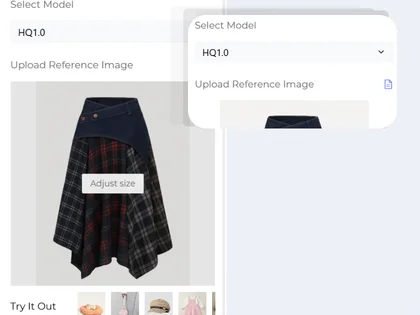
Upload Reference Image
Upload a clear garment image, product photo, or fashion design reference. The tool will use the uploaded clothing image as the base for generating new AI colorways while keeping the garment shape and design details.
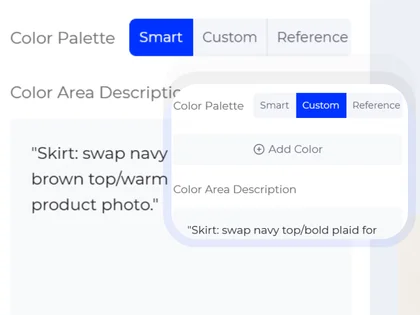
Choose Your Generation Settings
Select how you want to recolor the garment.
You can also use the text description field to specify which area should change color, such as "change only the sleeves to navy blue" or "make the collar and cuffs white."
- Smart automatically creates intelligent color variations based on the garment and fashion context.
- Custom lets you add a specific color you want to apply to the clothing.
- Reference lets you upload another garment image and generate a similar color direction from that reference.
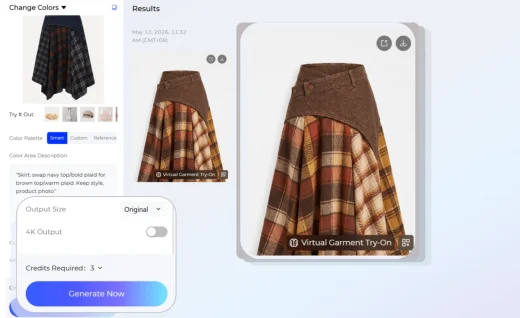
Generate Your Fashion Image
Choose the output size that fits your design board, product review, ecommerce preview, or presentation needs. Then generate and export the AI clothing colorway for comparison, planning, or further design development.
Use Cases: Who It's For
Style3D AI clothing colorways help designers, apparel brands, and ecommerce teams test garment color options online before sampling, production, or product launch.
For Fashion Designers
Explore multiple garment colorways from one design image without manually recoloring each option. Designers can test seasonal palettes, contrast details, fabric color directions, and collection color stories faster.
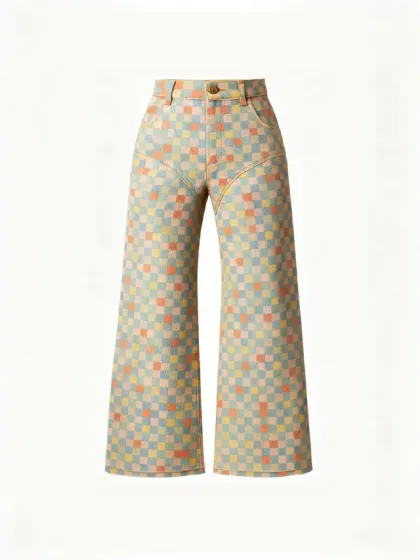
For Ecommerce Sellers
Create product color variations for online stores, marketplace listings, and visual testing. AI colorways make it easier to preview how one garment style could look in different colors before expanding the assortment.
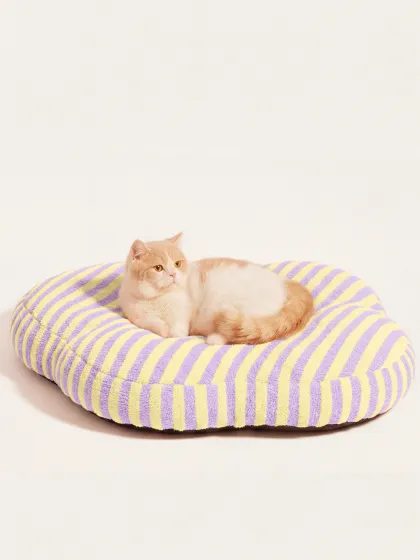
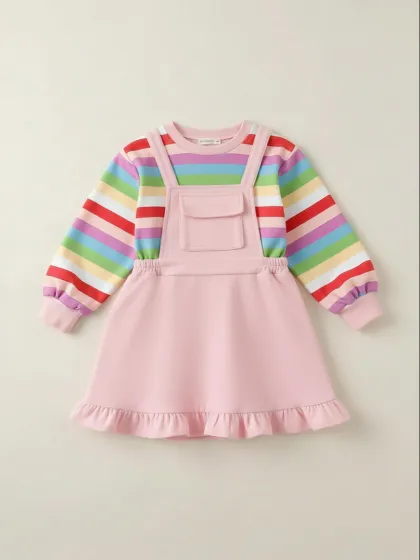
For Apparel Brands and Product Teams
Use AI clothing colorway generation for product planning, line reviews, merchandising decisions, and internal design approval. Teams can compare different color options before committing to physical samples or production.
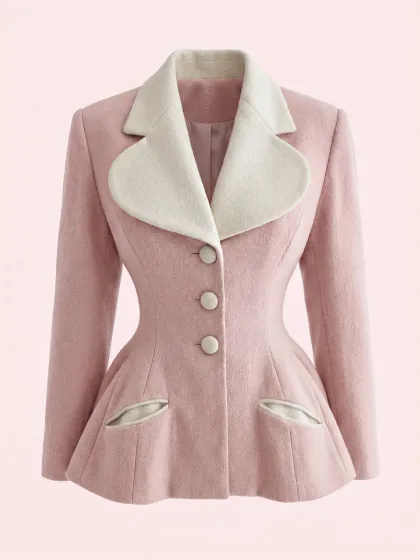
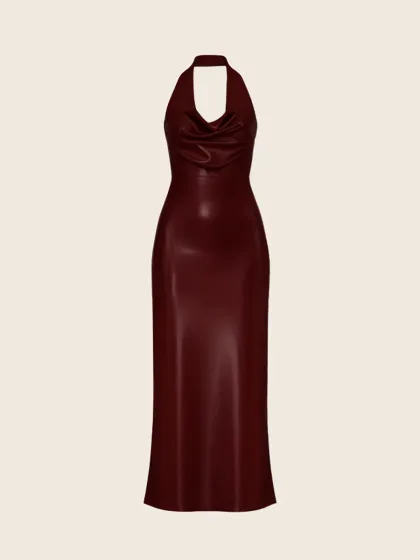
For Fashion Marketers and Creators
Generate fresh garment color options for campaign concepts, social media visuals, lookbooks, and trend testing. Marketers can quickly compare which color direction best fits a target audience or seasonal theme.
Social Proof & Reviews
Trusted by Global Fashion Designers and Brands
Share Your Feedback


The color control on this is actually kinda insane. i uploaded one puffer reference and tested like 6 diff palette directions in under 10 mins. way easier than mocking everything up manually in photoshop.
We've been using this during early concept reviews and it's honestly super useful. being able to describe specific color placement instead of repainting things by hand saves sooo much time.
most AI tools completely ruin the original garment when you try changing colors, but this one actually keeps the structure + fabric details intact. Feels way more usable for real design work tbh.
Frequently Asked Questions
Explore More Tools
More AI-Powered Tools for Your Fashion Workflow
Text To Design
Turn a written idea into quick apparel concept images.
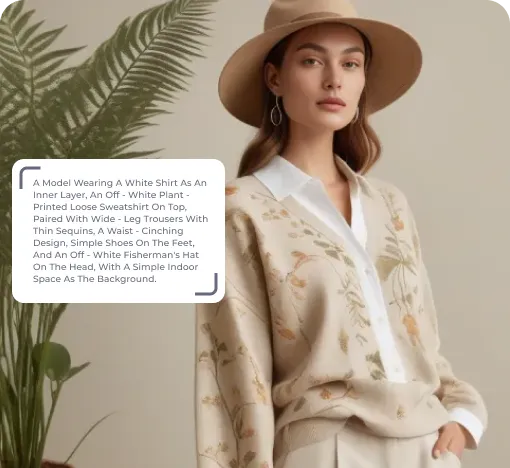
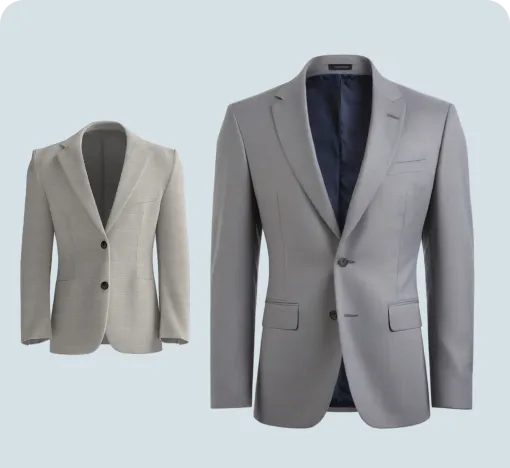
Image To Design
Create new style options from an existing garment image.
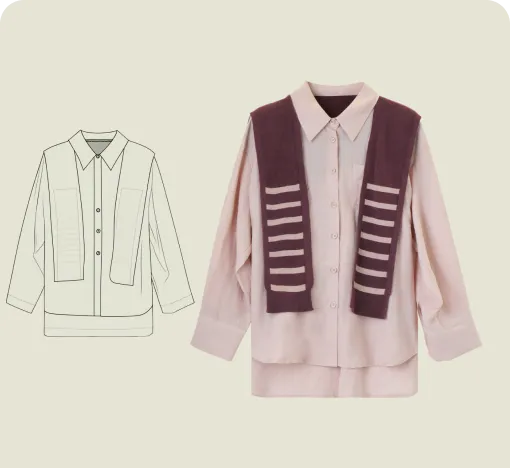
Sketch To Design
Convert hand-drawn sketches into realistic garment images.
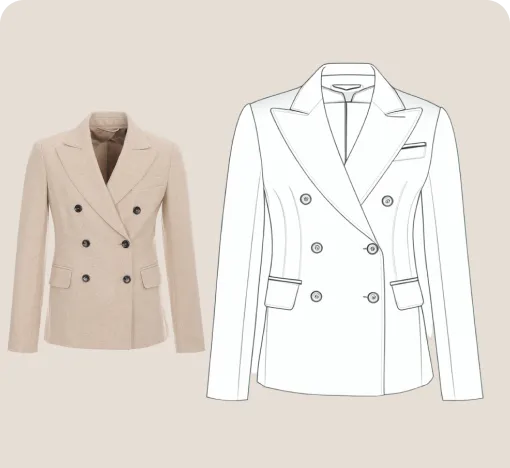
Extract Technical Drawing
Turn garment images into clean line art and editable vector drawings.
Design Variations
Blend design elements from references to create fresh garment options.
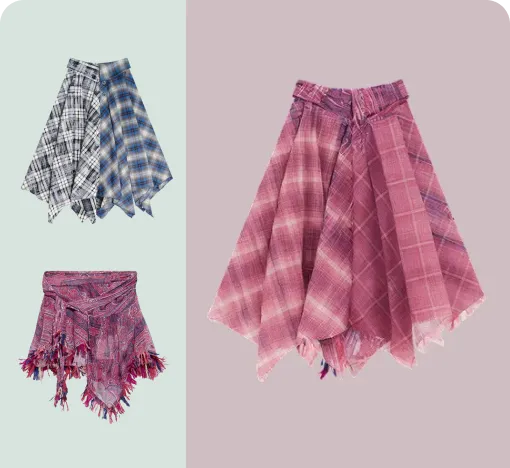
Garment Refine
Edit specific garment areas, structures, and details without starting over.
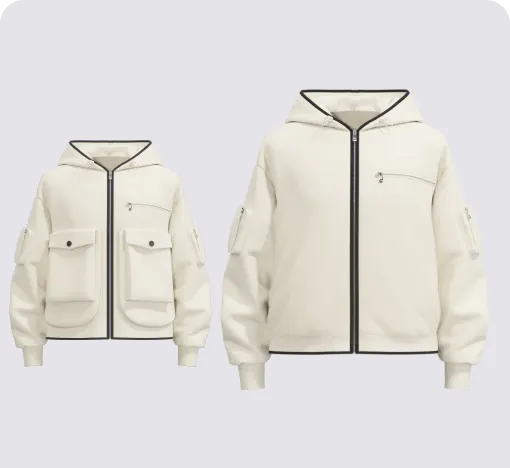
AI Print Generator
Generate print patterns in a similar style from a reference image.
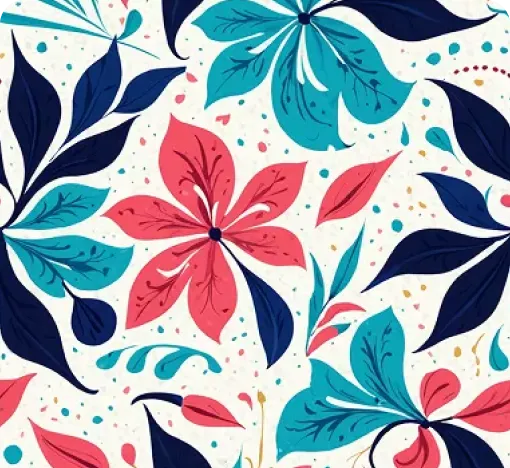
Graphic Colorways
Create dedicated colorway options for any print or graphic.
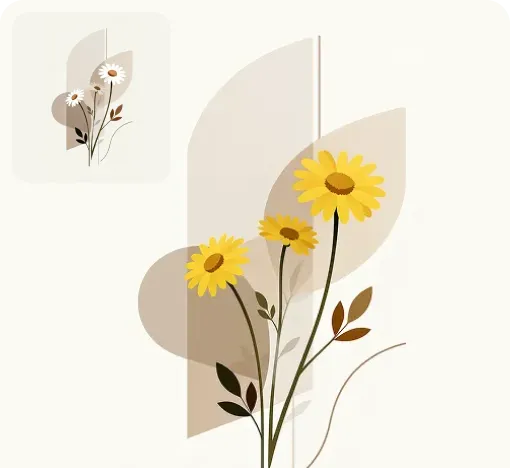
Apply Print To Garment
Place prints on garments and preview realistic worn results.
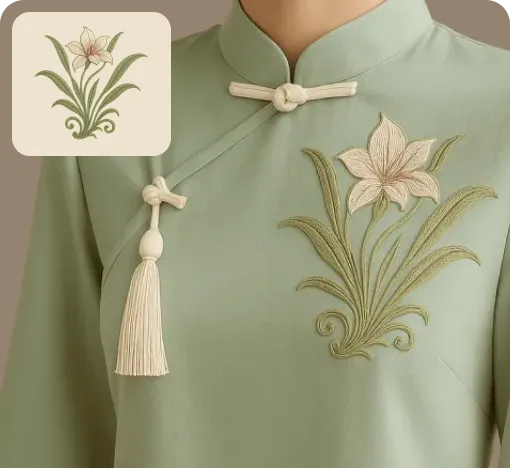
Virtual Garment Try-On
Put garments on models to create realistic try-on images.
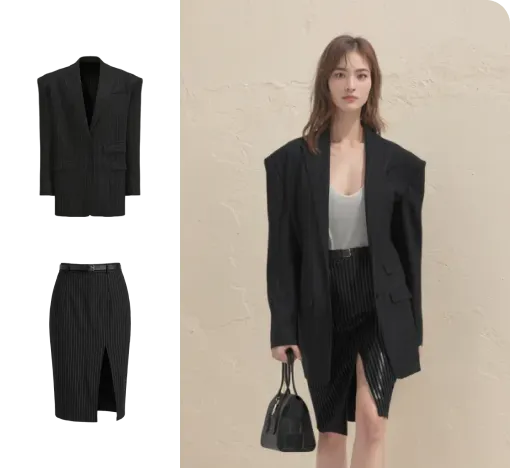
Change Model & BG
Change the model and scene to create varied campaign images.
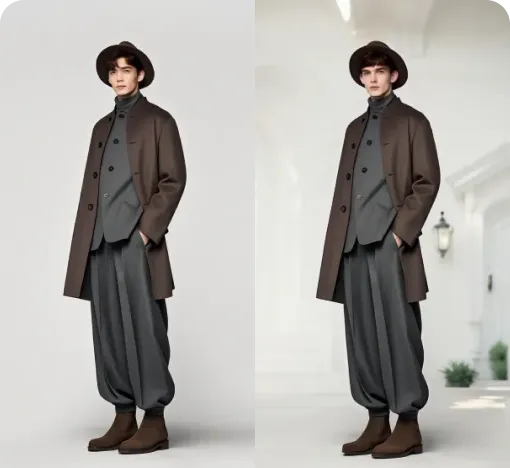
Image To Video
Turn static fashion images into short product display videos.