


AI Model Photoshoot Generator
How To Create: Step-By-Step Guide
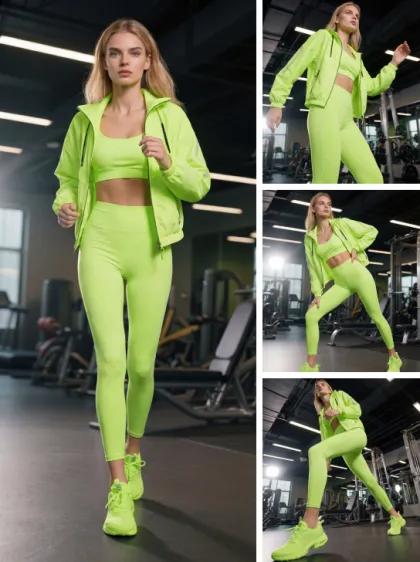
Use Style3D AI model photoshoot generator to turn one model image into a complete ecommerce photoshoot set with multiple poses, angles, scenes, and crop views.
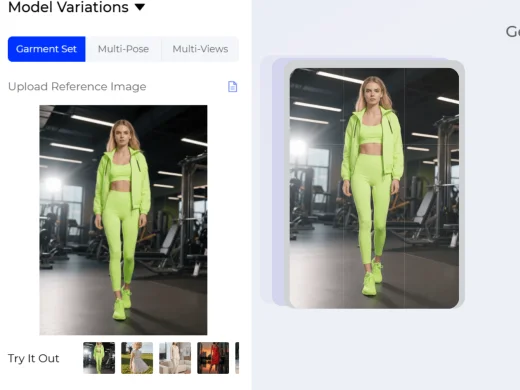
Upload Model Image
Upload a model-worn fashion image as the starting point. Style3D AI will use the original photo to understand the garment, model appearance, styling, and product presentation.
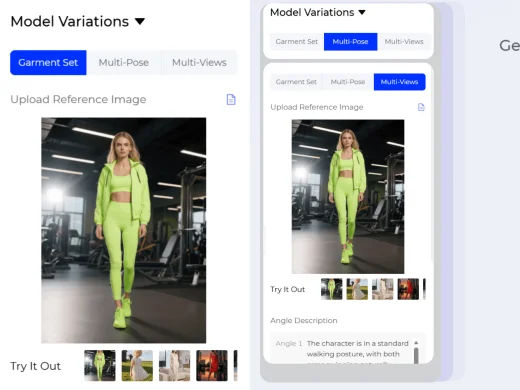
Choose a Photoshoot Set Type
Select the type of image set you want to generate. Garment Set creates up to four model photos with different angles, poses, and backgrounds. Multi-Pose creates up to four model images with different poses. Multi-Views creates up to four model images from different viewing angles, such as front, side, back, full-body, half-body, or detail-focused views.
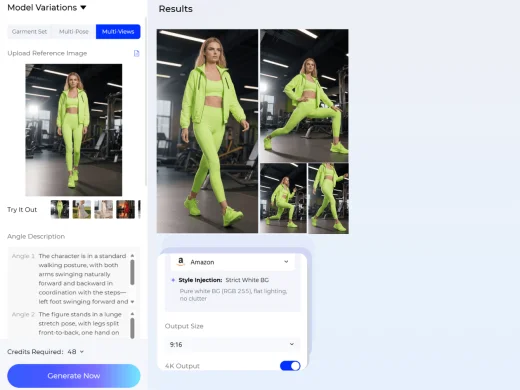
Add Prompt and Export
Write a text prompt to describe the angle, pose, background, lighting, crop, or styling details you want. You can also choose a target platform such as Amazon, Shopify, TikTok, or Instagram, so the AI can adapt the image style and ratio. If no platform is selected, Style3D AI will generate images in the default format.
Use Cases: Who It's For
Style3D AI helps ecommerce sellers, fashion brands, and creative teams expand one fashion photo into a complete model photoshoot set for product and campaign visuals.
For Ecommerce Sellers and Marketplace Teams
Turn one model image into multiple product photos for Amazon, Shopify, Lazada, TikTok Shop, and independent stores. Sellers can generate different poses, angles, backgrounds, and crop views for product listings without arranging a new shoot.
For Fashion Brands and Product Teams
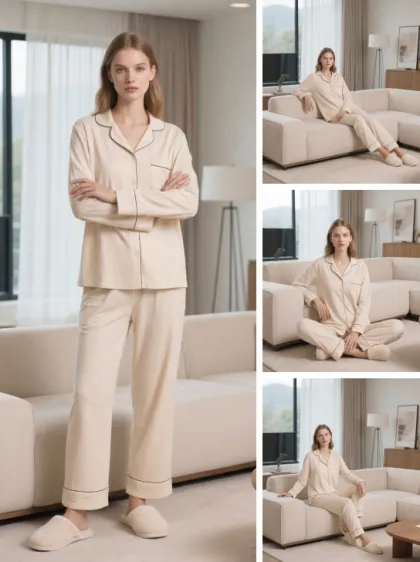
Create model photoshoot sets for product launches, line reviews, lookbooks, and merchandising decisions. Brands can quickly compare full-body, half-body, side-view, back-view, and detail images to improve product storytelling.
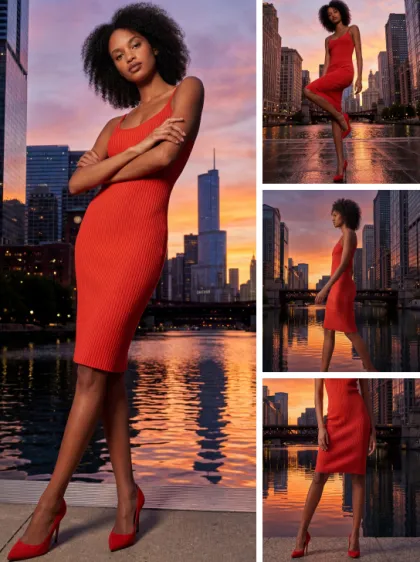
For Marketing Teams and Fashion Creators
Generate campaign visuals, social media assets, ads, and lookbook content from one original image. Teams can create platform-ready fashion photos for TikTok, Instagram, ecommerce pages, and seasonal campaigns.
Social Proof & Reviews
Trusted by Global Fashion Designers and Brands
Share Your Feedback

i uploaded 1 decent product shot and suddenly had a whole campaign worth of images. different angles, moods, compositions… all usable. small brand owners are gonna abuse this so hard lol.
wah, for ad testing this is actually ridiculous, normally we'd need multiple shoots just to test different creative directions, but now i can spin out variations in like minutes. performance marketing teams are gonna love it.
The best part is it doesnt feel super repetitive like most bulk AI outputs. the variations actually have slightly different energy, framing, styling vibes etc. it kinda feels like having an entire content team working in the background.
Frequently Asked Questions
Explore More Tools
More AI-Powered Tools for Your Fashion Workflow
Virtual Garment Try-On
Put garments on models to create realistic try-on images.
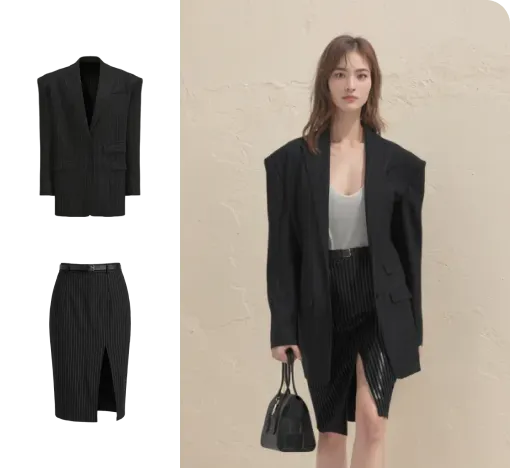
Outfit Try-On
Combine garments and accessories into a complete styled outfit image.
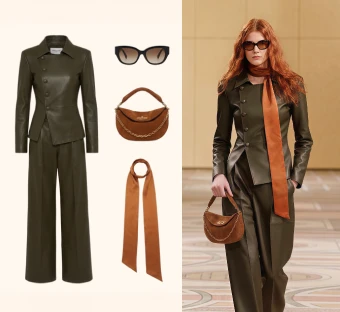
Virtual Shoe Try-On
Place shoes on a model's feet for realistic try-on images.
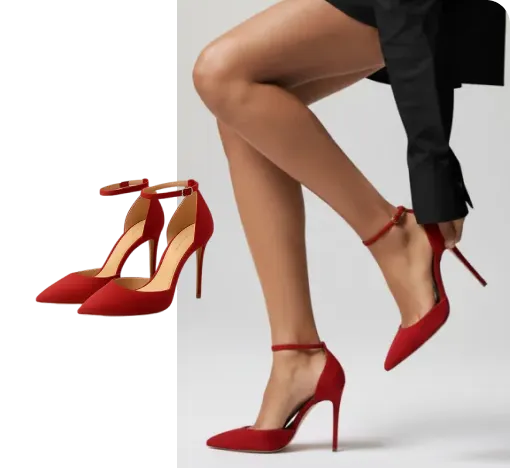
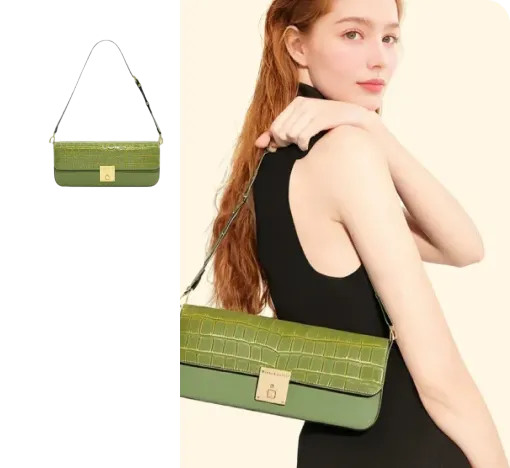
Virtual Bag Try-On
Style bags on models to create product-ready outfit images.
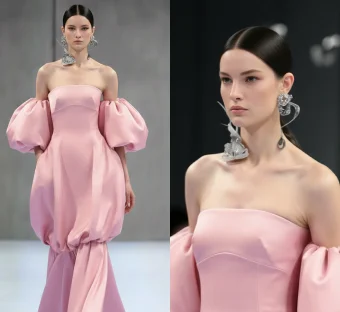
Generate Views
Adjust the model's angle and generate multiple views instantly.
Text To Design
Turn a written idea into quick apparel concept images.
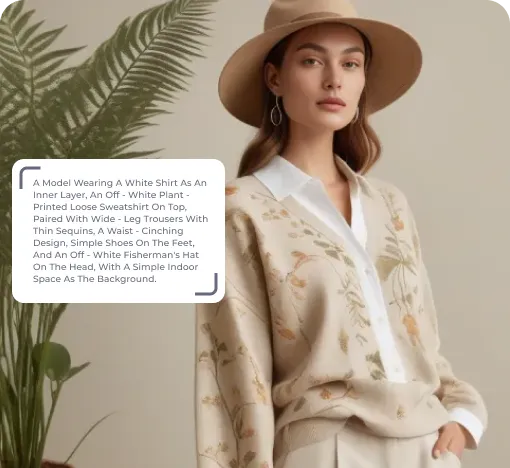
Image To Design
Create new style options from an existing garment image.
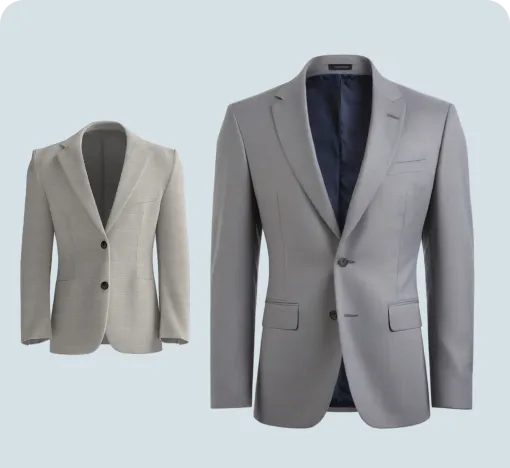
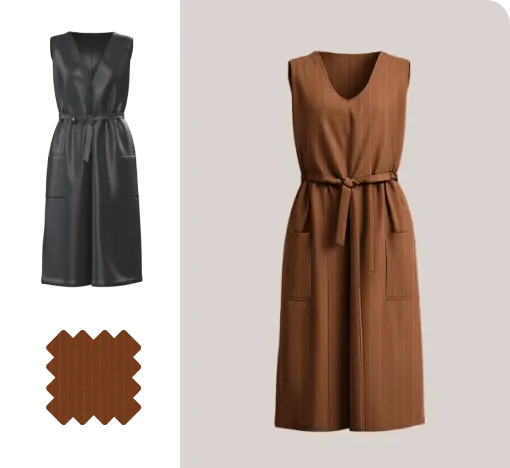
Fabric Try-On
Apply fabric swatches to garments and preview the wearing effect.
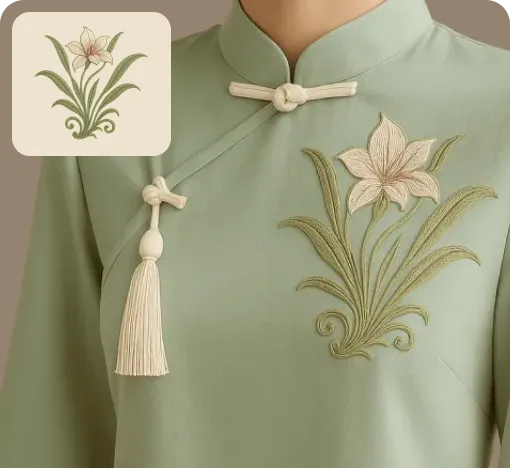
Apply Print To Garment
Place prints on garments and preview realistic worn results.
Graphic Extractor
Detect and extract complete patterns from product or reference images.
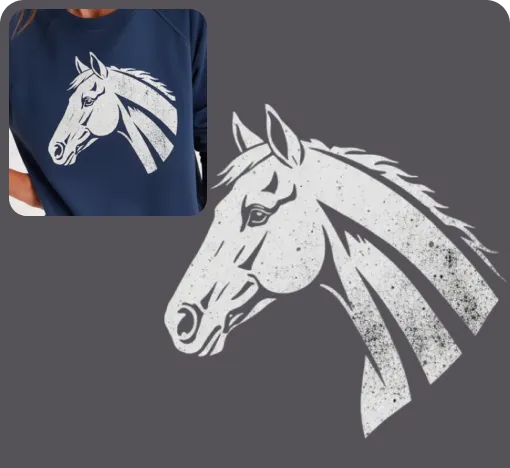
Image To Video
Turn static fashion images into short product display videos.
Reference To Video
Create smoother model videos with more stable motion and stronger details.